Mission Statement
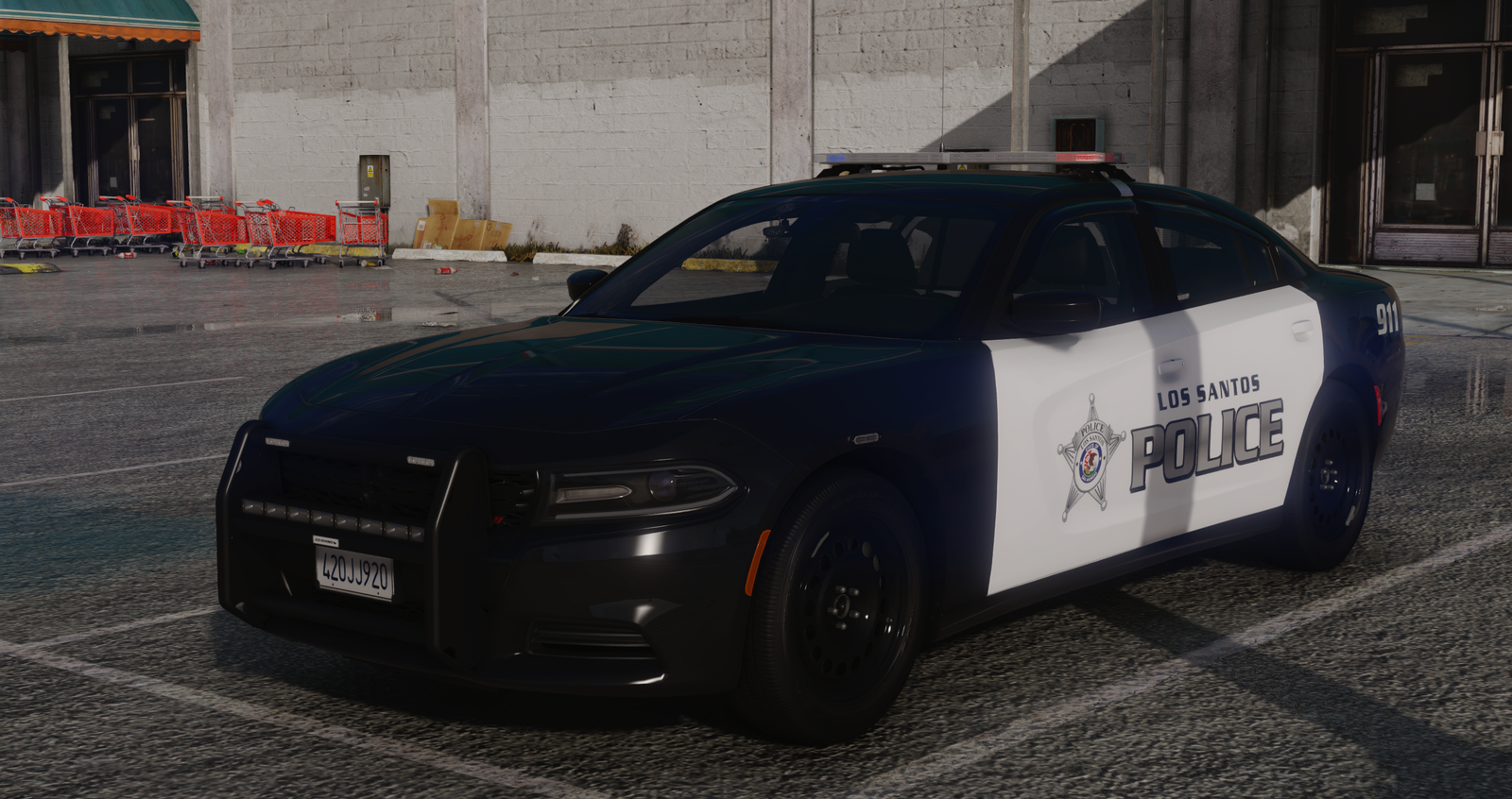
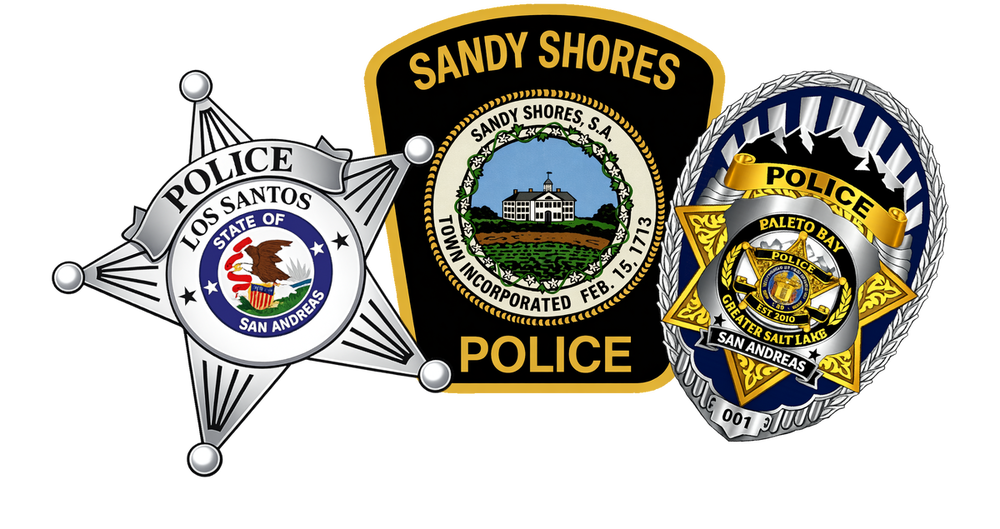
The Municipal Police Department is committed to preserving the high quality of life across Los Santos, Sandy Shores, and Paleto Bay by preventing crime and ensuring public safety. Its mission is to protect individual rights while fostering a safe and secure environment for all communities it serves. The department is composed of three divisions—the Los Santos Police Department, Sandy Shores Police Department, and Paleto Bay Police Department—each working together under a unified command structure. Organized into specialized units and teams, and staffed by both full-time and volunteer officers, the department responds to calls for service and works collaboratively to address community concerns and resolve issues effectively.
Expectations
To join the Municipal Police Department, applicants must possess a defined set of qualities and abilities. Below are the primary and secondary skills considered essential, serving as the foundation that will be further developed during the academy.
As a peace officer within the Municipal Police Department—including the Los Santos Police Department, Sandy Shores Police Department, or Paleto Bay Police Department—you are expected to demonstrate respect, sensitivity, and strong interpersonal skills while making sound decisions and working effectively as part of a team. Candidates must exhibit maturity, discipline, honesty, integrity, and strong personal ethics, along with the ability to set and achieve personal goals. Proficiency in both spoken and written English is also required.